The cover sheet
It carries the file number in its QR code.
Who it's for
Private clinicsFront desk, care and billing on one fileClinic groupsEach facility, or all of them togetherLabs and imagingA portal to receive and return testsThe labs' portal
Your labs and imaging centres receive orders, scan samples and upload results in the same system.
See the portalReports, old files and paper results go through the front-desk scanner. The cover sheet printed from the file carries a QR code: what follows it is filed in that file. Without a cover sheet, the scan waits in “Documents to file”.
Illustration: the cover sheet placed on the patient's papers before scanning.
From the patient's file, in one click.
Reports, old files, paper results.
Up to 80 pages, grouped in one PDF.
The PDF is filed in the file, with its thumbnails.
It carries the file number in its QR code.
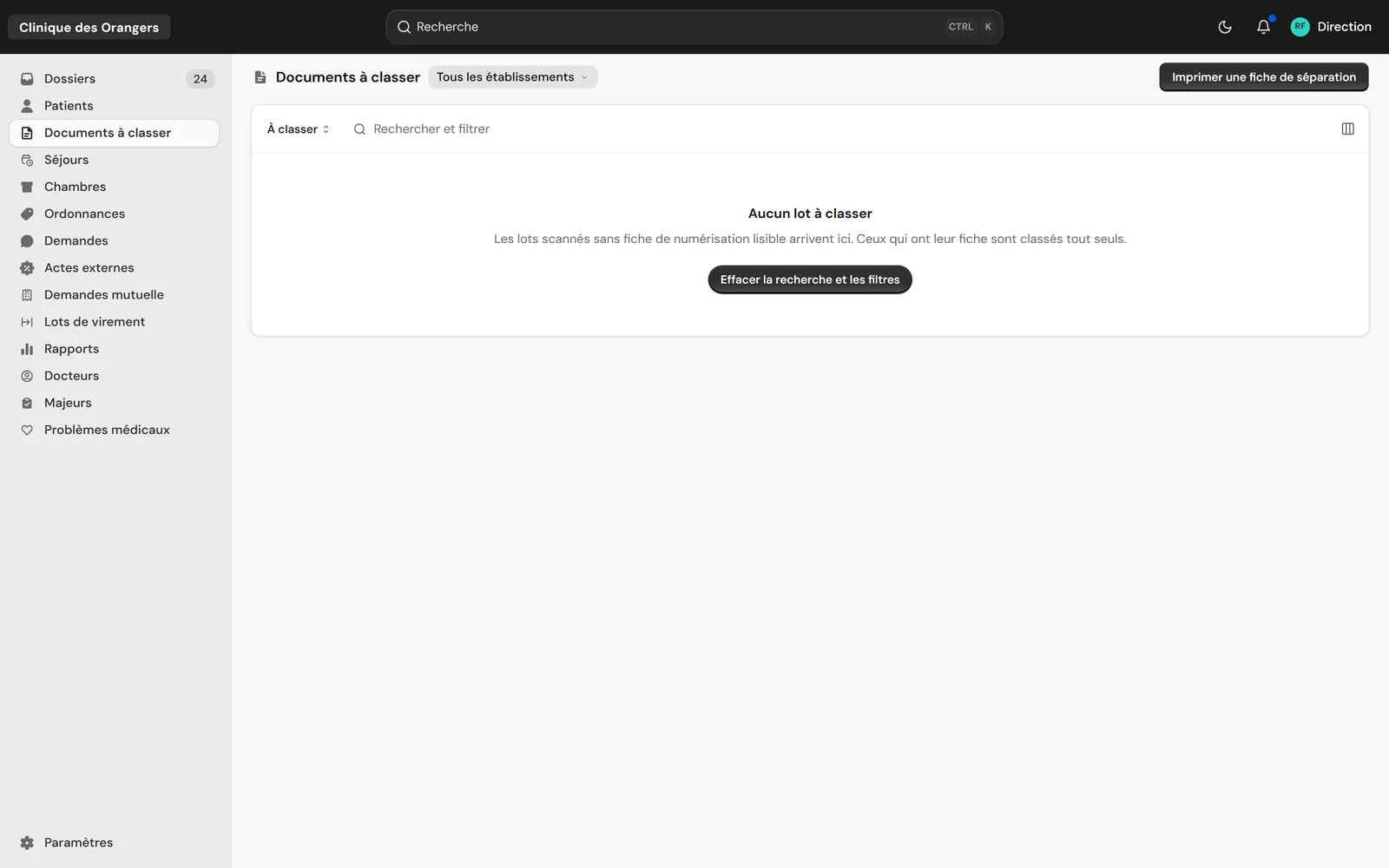
Scans that arrived without a cover sheet wait here, with the “Print a separator sheet” button.
Documents open inside the file, with their thumbnails.
| The scan | What ClinicareOS does |
|---|---|
| With a cover sheet | Filed in the file whose number the QR code carries. |
| Without a cover sheet | Set aside in “Documents to file”. |
| Several documents at once | A separator sheet between each document. |
| A whole old file | Up to 80 pages in one PDF. |
It waits in “Documents to file”, where a team member files it in the right file.
Yes, up to 80 pages grouped in one PDF.