Scanners and printers already integrated And any other device with a custom integration
ClinicareOS works with your front desk's hardware: a scanner reads the ID card and paper files, a label printer prints the file's code, a handheld scanner opens it in one move. On computers, tablets and phones.

Kodak document scanners
Both sides of the ID card in one pass, and old paper files in a single PDF.

Zebra label printers
The file label prints by itself, as soon as the file is created.

ZKTeco handheld scanners
Scanning the label or the order opens the right page, over USB or Bluetooth.

Canon office printers
Orders, cover sheets and claims print in A4.
Any kind of device made to measure
Another scanner, another printer, a badge reader: we integrate it to measure.
Your hardware integrated to measure Whatever the device
A small program at the desk
It links the front desk's scanner and label printer to ClinicareOS.
Handheld scanners as a keyboard
Any USB or Bluetooth scanner that behaves like a keyboard works.
Any other device
Badge reader, another scanner, another printer: we integrate it to measure.
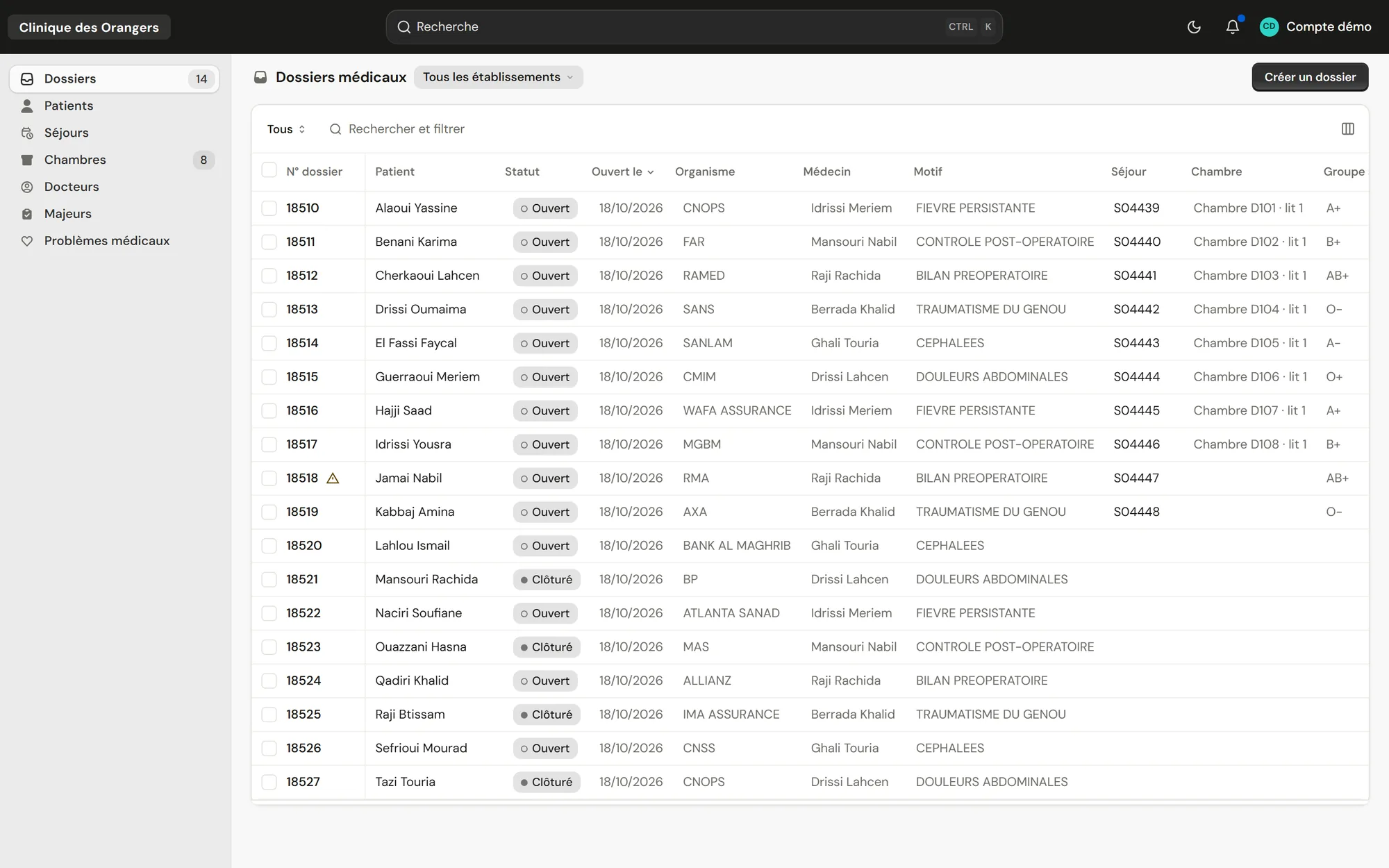
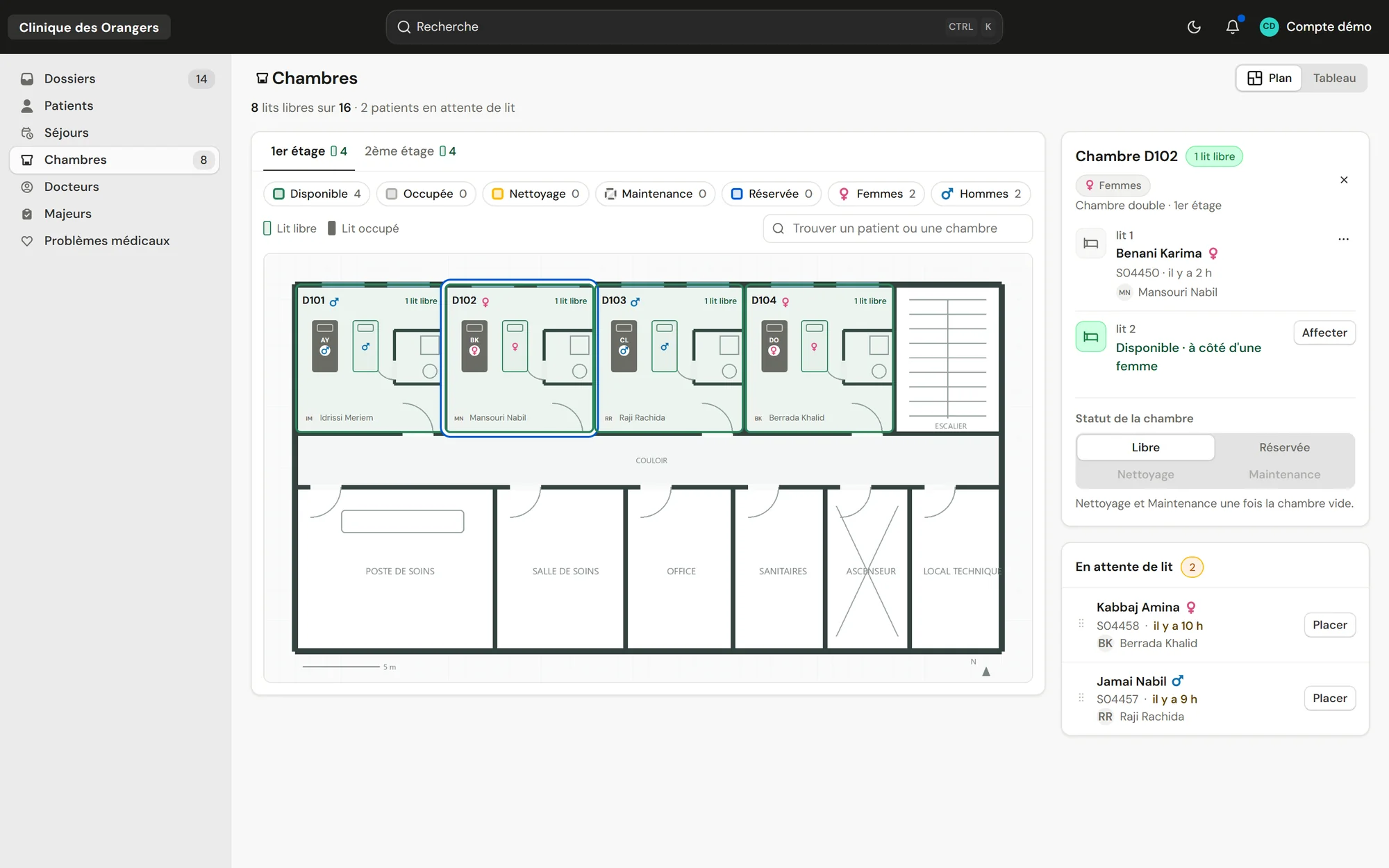
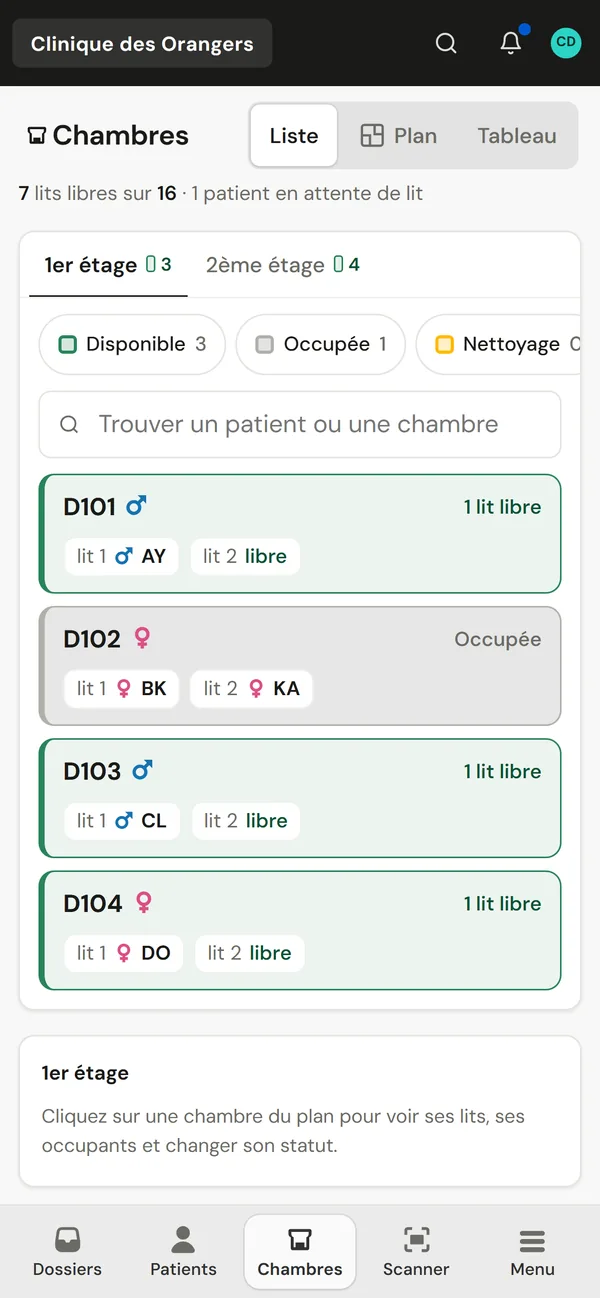
On a computer as on a tablet or a phone With your front desk's hardware already integrated
About hardware Before equipping the front desk
Do we need a special scanner?
No. A phone is enough to photograph both sides of the card. The front-desk scanner can also send them in one go.
Which handheld scanner should we choose?
A 2D USB or Bluetooth scanner that behaves like a keyboard.
Will our current printers do?
Yes for A4 documents. For labels, a thermal printer such as Zebra's is recommended.