By ID number
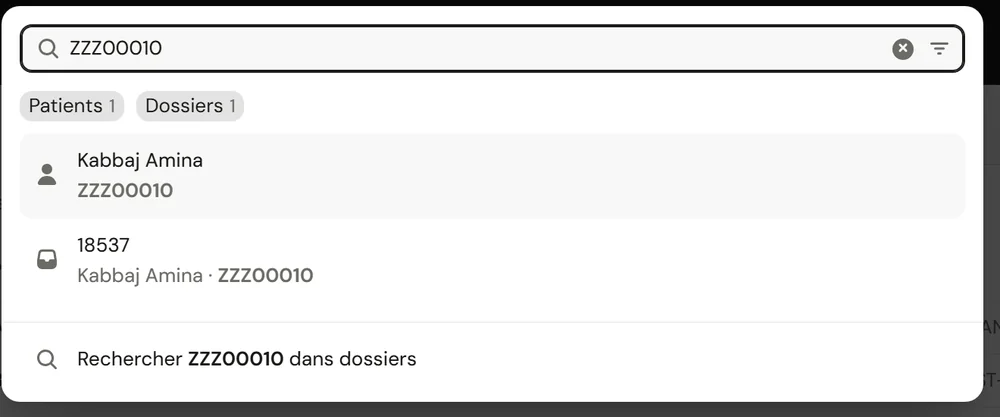
An ID number finds the patient and all their files.
Who it's for
Private clinicsFront desk, care and billing on one fileClinic groupsEach facility, or all of them togetherLabs and imagingA portal to receive and return testsThe labs' portal
Your labs and imaging centres receive orders, scan samples and upload results in the same system.
See the portalSearch opens from any page with Ctrl K. It looks through patients and files at once, ignores accents and word order, and recognises the variants of the same name.
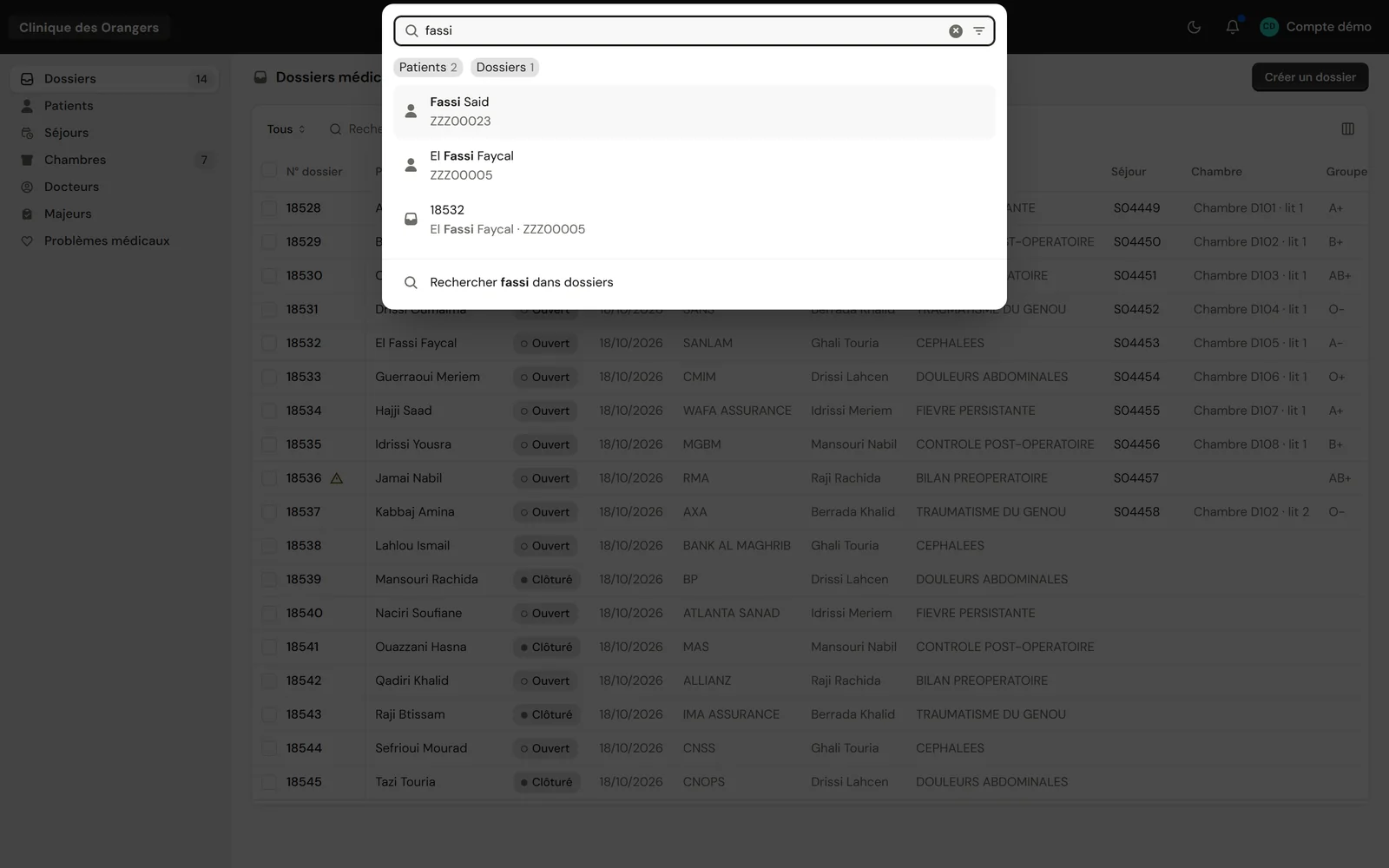
“fassi” finds Fassi Said and El Fassi Faycal. Demo clinic, made-up patients.
An ID number finds the patient and all their files.
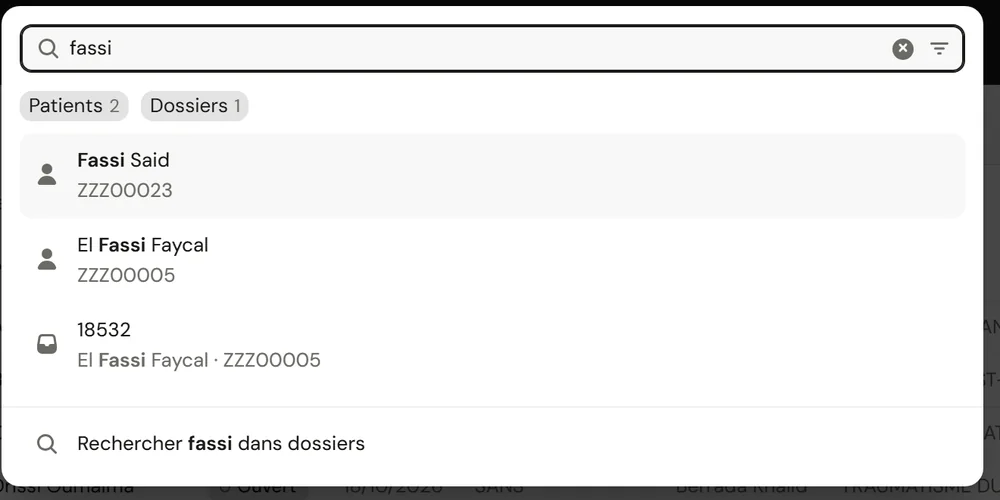
Every word counts, wherever it sits in the name.
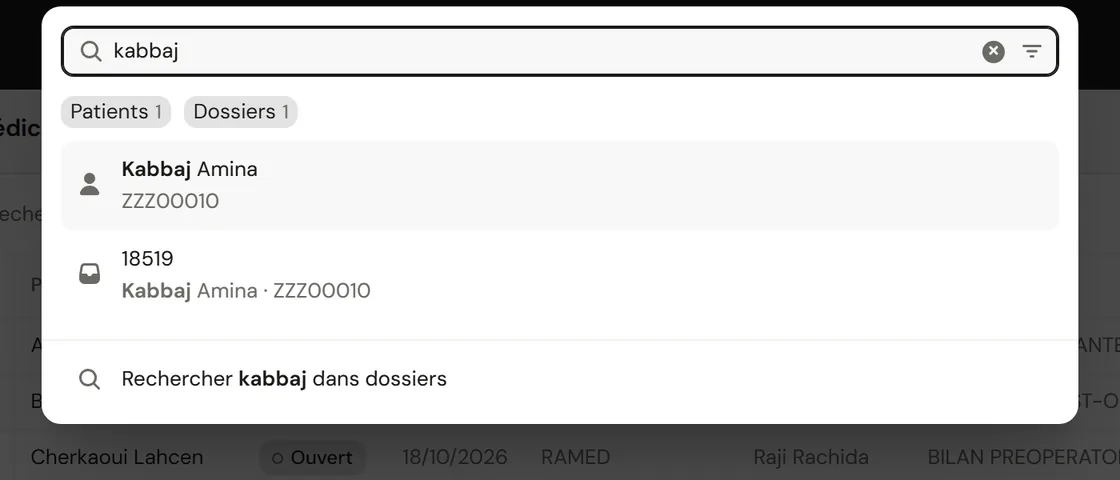
“Search in files” opens the list already filtered.
Each name is reduced to a key: one letter more or less doesn't make you miss the patient.
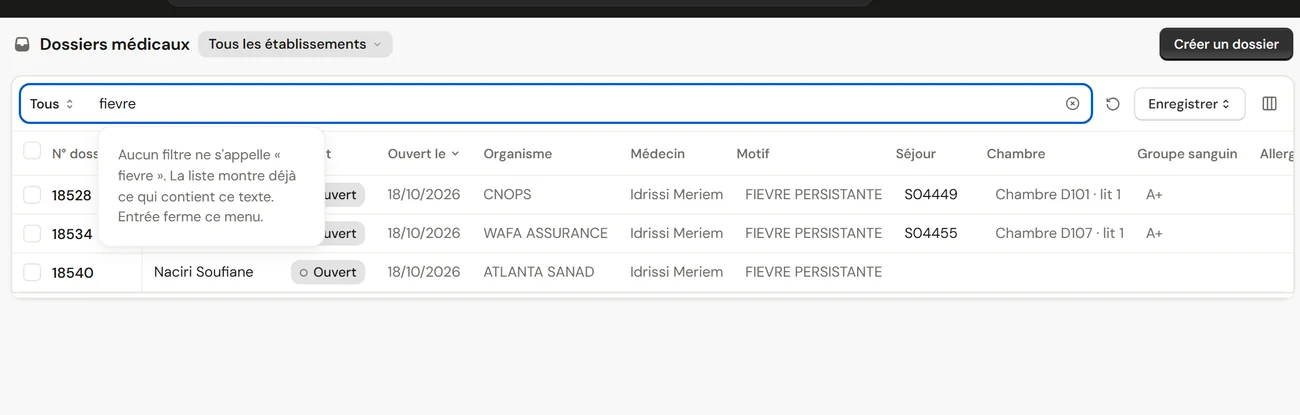
Each list has its own search, column filters and saved views.
Reception searches, picks and opens without leaving the keyboard.
| You type | ClinicareOS finds |
|---|---|
| An ID number | The patient, then all their files. |
| A file number | That file first. |
| mohamed alami | ALAMI Mohamed: word order doesn't matter. |
| Mohammed | Also Mohamed, M'hamed and Mouhamed. |
| fès, fes or FES | The same thing: accents and capitals don't matter. |
| A mistyped name | The closest names, when no patient carries the typed word. |
Each person searches the facilities they have access to, and no further.
When no patient carries the typed word, search offers the closest names.