Dashboard
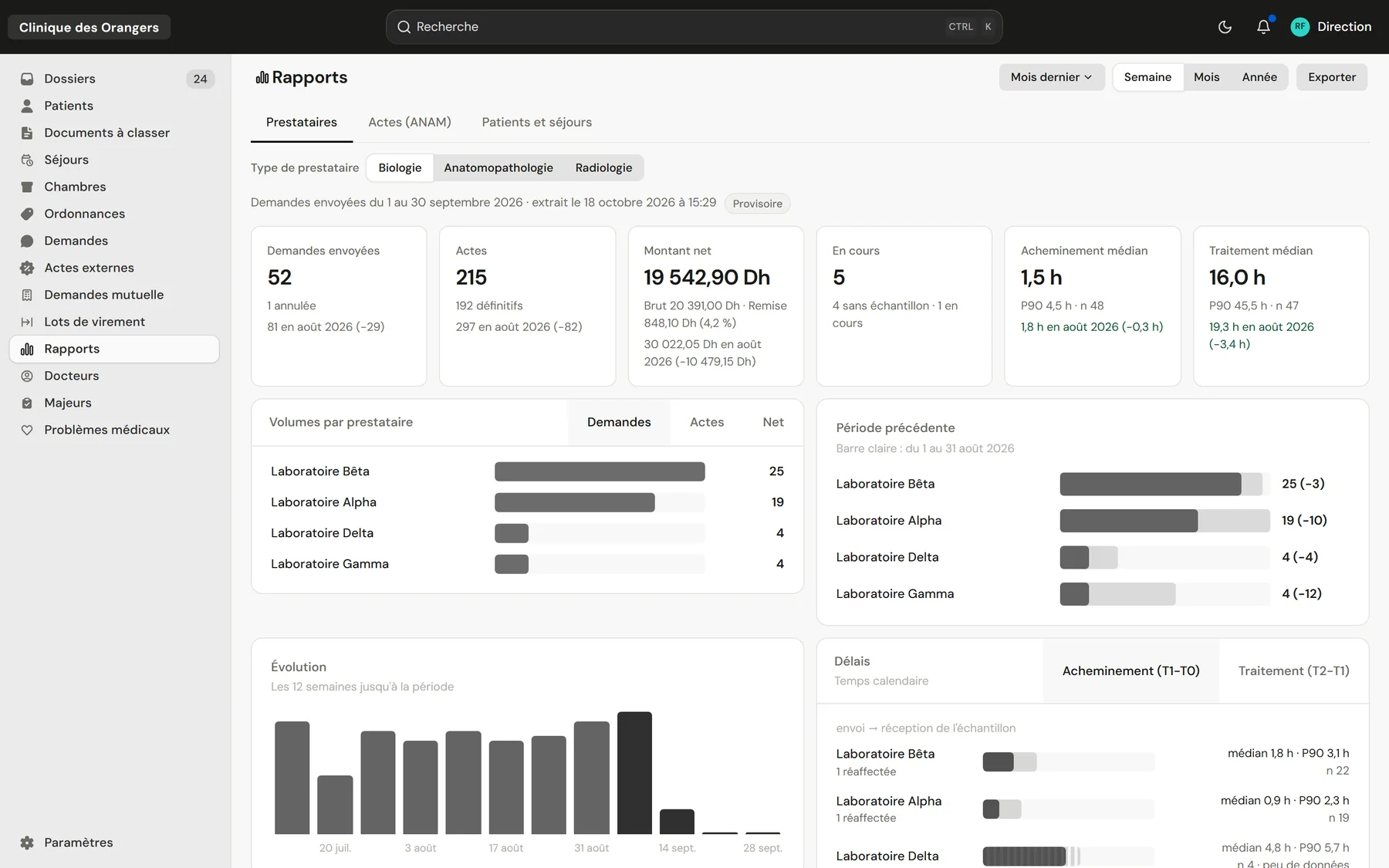
Management sees everything in figures Volumes, net amounts and turnaround, compared to the previous period.
Who it's for
Private clinicsFront desk, care and billing on one fileClinic groupsEach facility, or all of them togetherLabs and imagingA portal to receive and return testsThe labs' portal
Your labs and imaging centres receive orders, scan samples and upload results in the same system.
See the portalClinicareOS follows every dirham of the clinic: coverage claims to insurers and the CNSS, what is owed to labs and imaging centres, discounts, transfers and turnaround. Management reads it all on a dashboard, by week, month or year.
Management sees everything in figures Volumes, net amounts and turnaround, compared to the previous period.
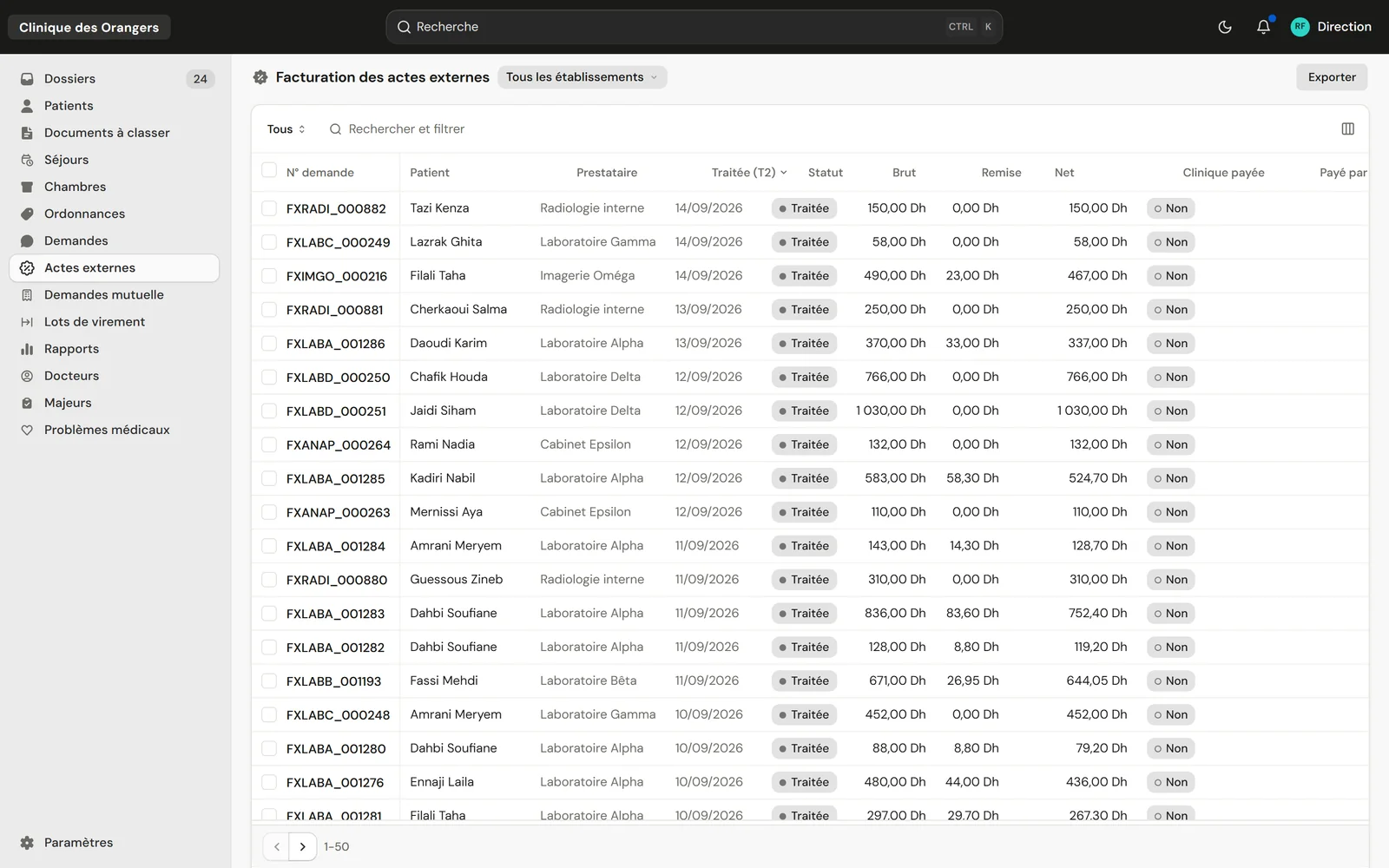
Every dirham owed is accounted for Dated prices, discounts, payment batches and vouchers per provider.
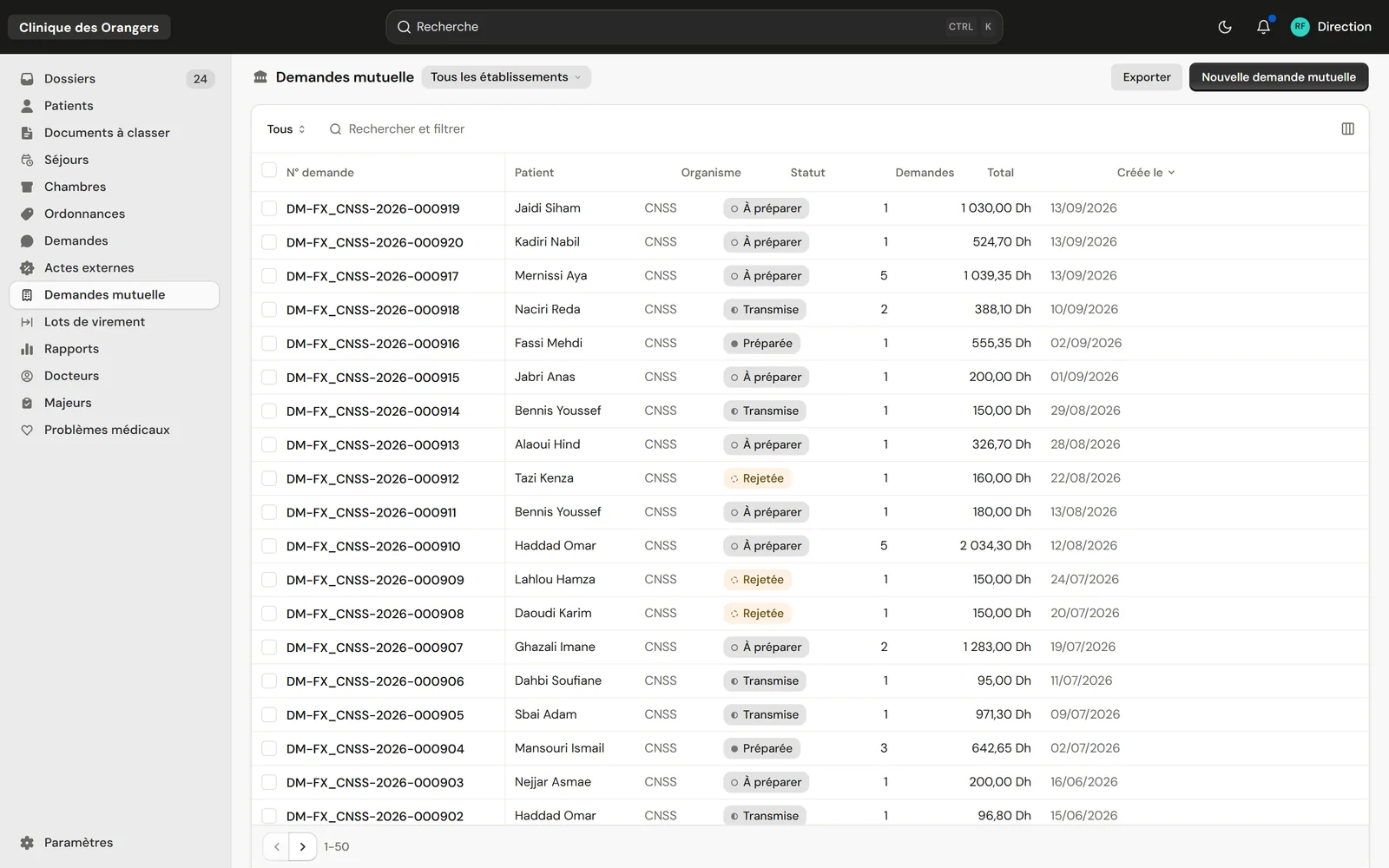
Every claim followed through to payment Prepared, sent, closed or rejected, with its PDF.
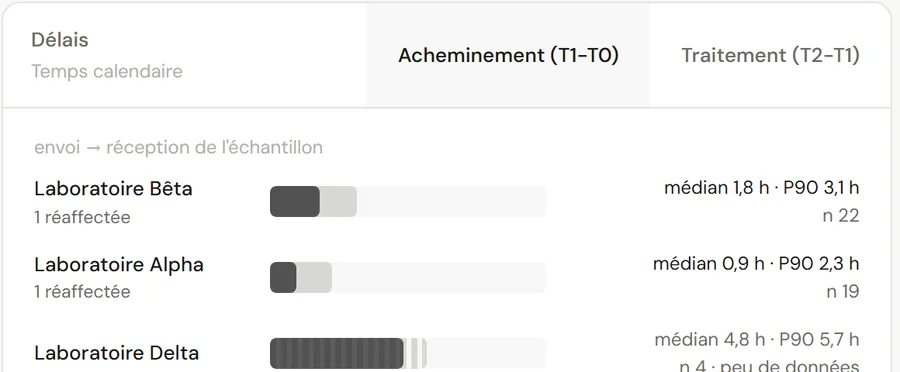
Each lab's turnaround measured As median and P90, from dispatch to sample received, then to the result.
The clinic's pharmacy is the next step Stock, dispensing, and every product on the patient's invoice.
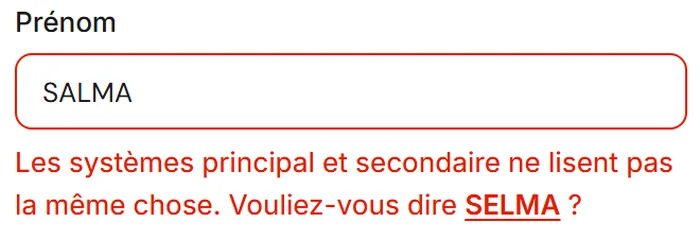
The ID card read by two systems prevents the typos that delay a claim.
Each request keeps the provider's price in force on the day it was sent.
Median and P90 per lab, to know whom to count on.
Not yet: the patient invoice comes in an upcoming version. Today, ClinicareOS follows insurer and CNSS claims, external acts and provider payments.
Yes. Reports and lists export to Excel.
Only people allowed to read amounts, such as management and billing.