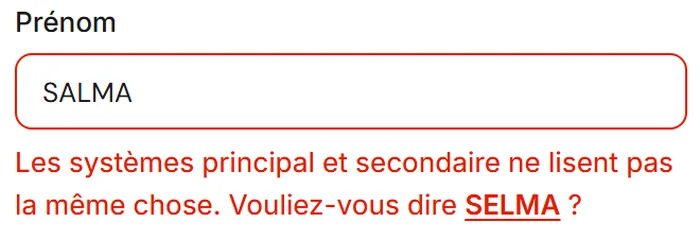
Admission and ID card
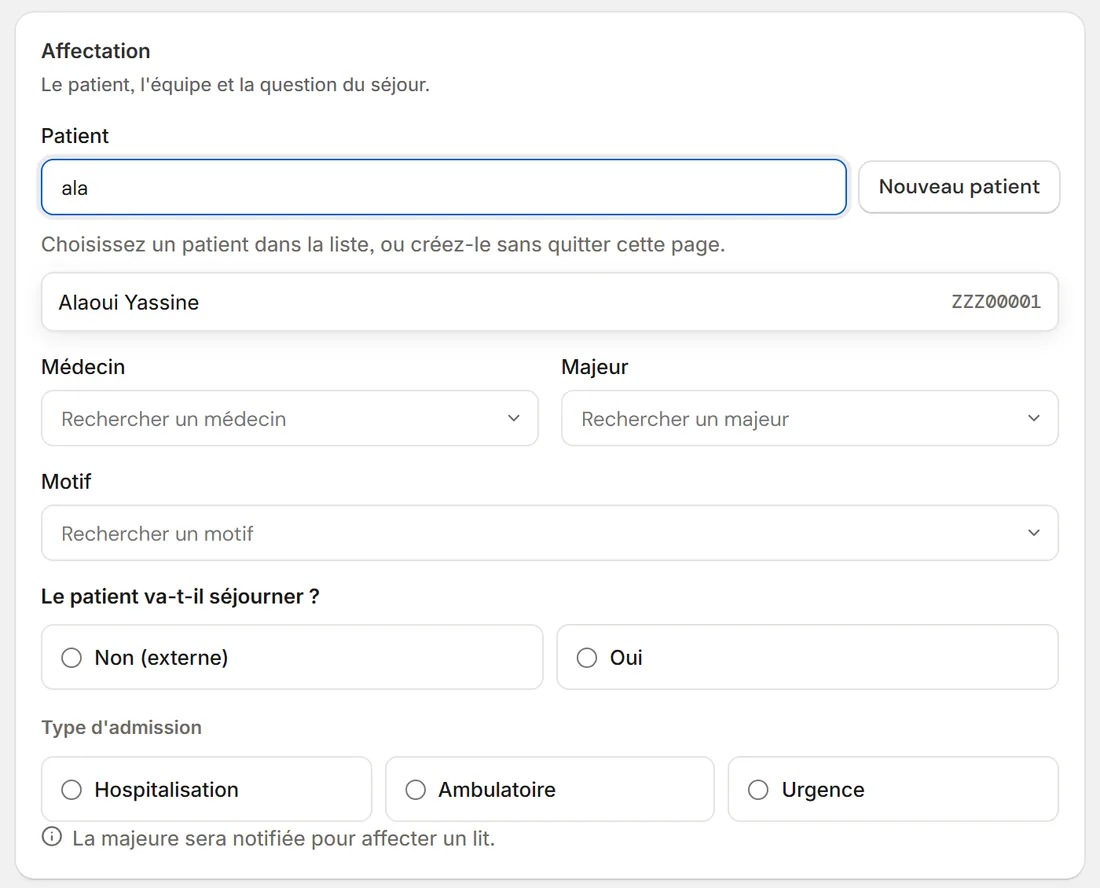
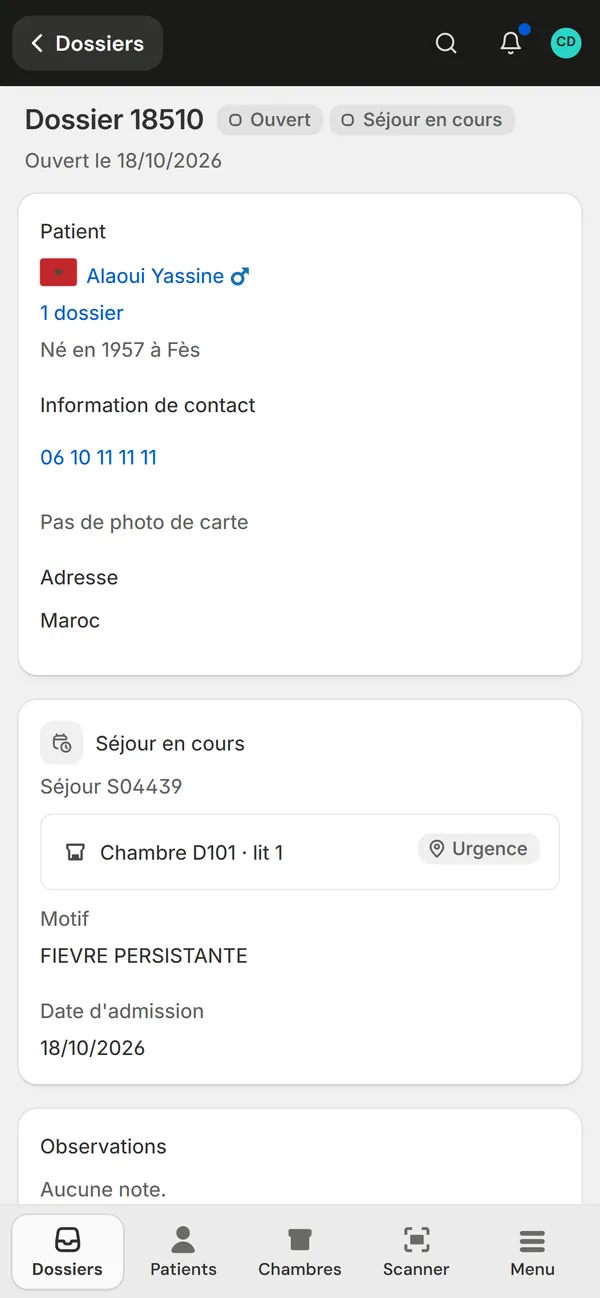
One page to admit The card read, the patient found or created, then the file and its label.
Who it's for
Private clinicsFront desk, care and billing on one fileClinic groupsEach facility, or all of them togetherLabs and imagingA portal to receive and return testsThe labs' portal
Your labs and imaging centres receive orders, scan samples and upload results in the same system.
See the portalEach patient has a file: their national ID card, stays, bed, tests, scanned documents and the history of every change. Front desk, head nurses, care teams and labs work in it together.
One page to admit The card read, the patient found or created, then the file and its label.
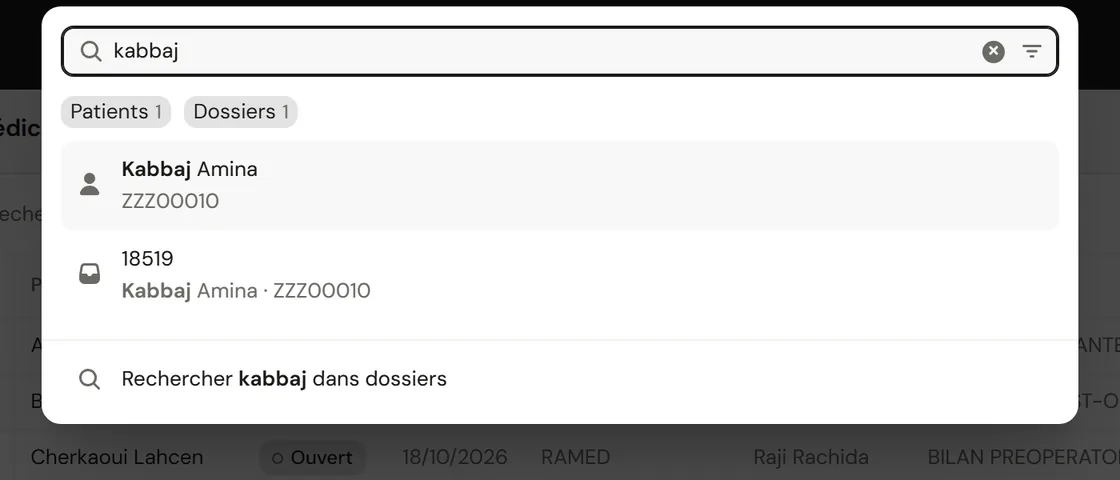
A forgiving search Mohamed, Mohammed and M'hamed lead to the same patient.
The order goes to the lab The result comes back into the patient's file.
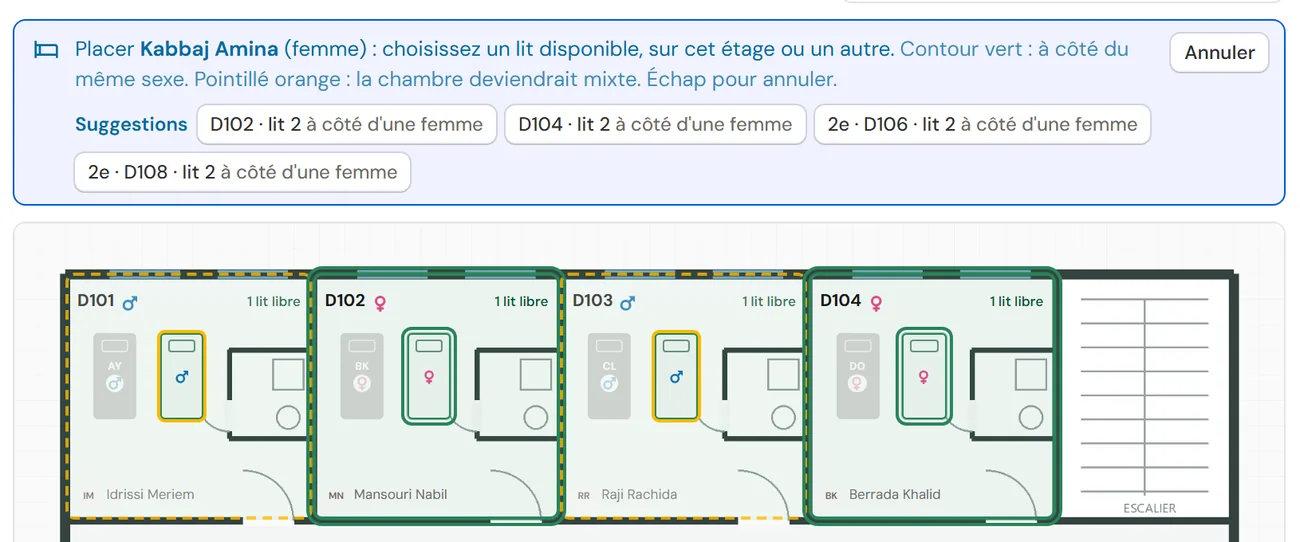
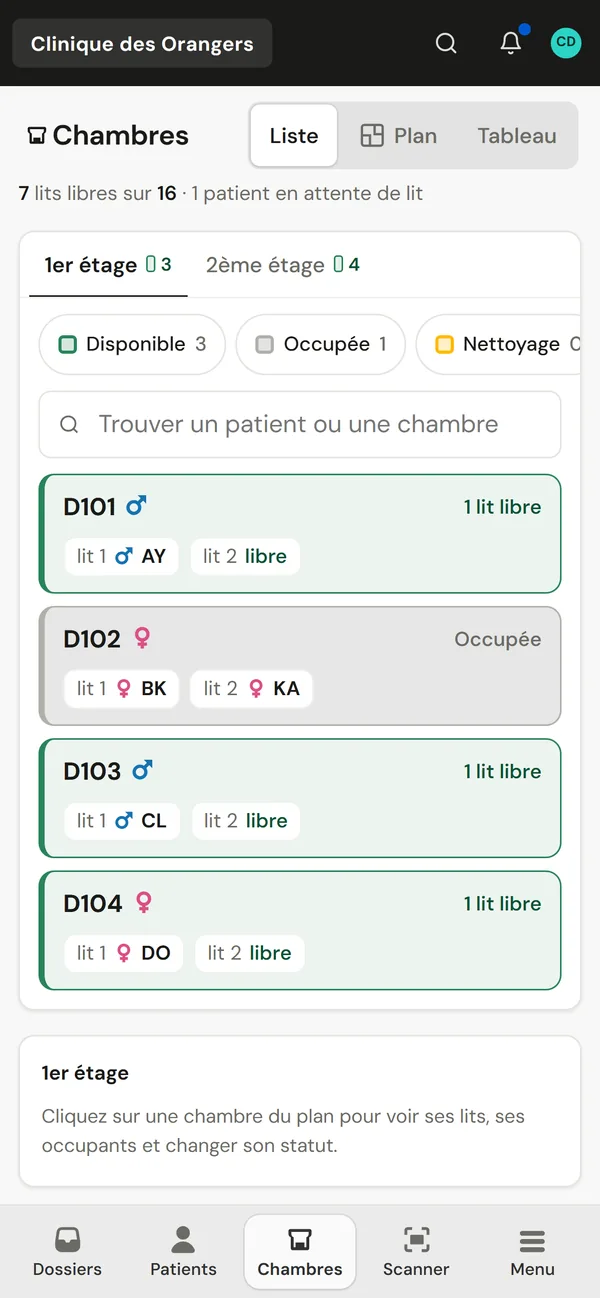
The bed plan floor by floor When you place a patient, the suitable beds light up according to the sex of the roommate.
A cover sheet per document Its QR code files the scan in the right patient file.
A scan instead of a search The label opens the file, with a phone or a handheld scanner.
Notifications A stay to assign, an uploaded result, a mention in a comment.
A discreet lock screen The event and a number, never a patient's name.
Camera It reads the file label and the order code.
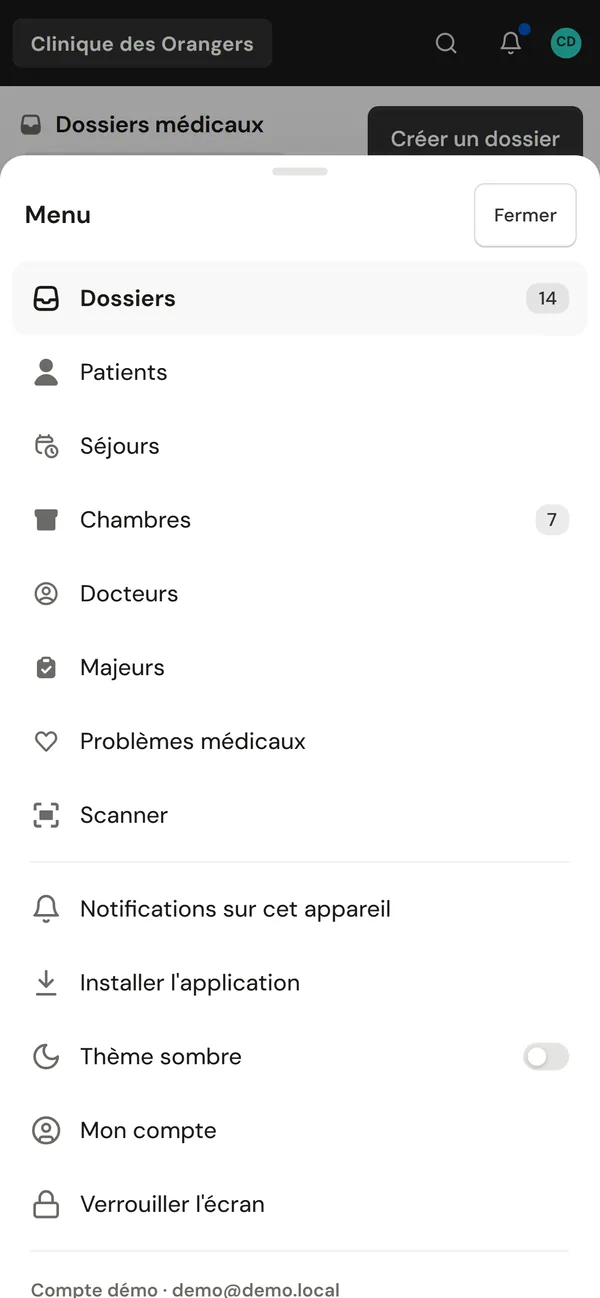
Made for the thumb A bar at the bottom of the screen, and lists turn into rows that are easy to tap.
They are scanned at the front desk and filed in the right file thanks to the cover sheet and its QR code.
Yes. ClinicareOS installs as an app on phones and tablets, with notifications and the camera to read labels.
Only authorised people, and every opening of an ID card photo is logged.